• New
xtddeleteorders - Delete Orders module - PrestaShop module by Extendo Modules

Delete Orders module

xtddeleteorders
€19.90
Tax included

Permanently remove test, incorrect, duplicate, or obsolete orders from the PrestaShop Back Office without editing the database manually.

Delete a single order by ID or use advanced filters to find, preview, select, and remove multiple orders. Protected statuses, multistore restrictions, explicit confirmation, and configurable related-data cleanup help prevent unintended deletion.

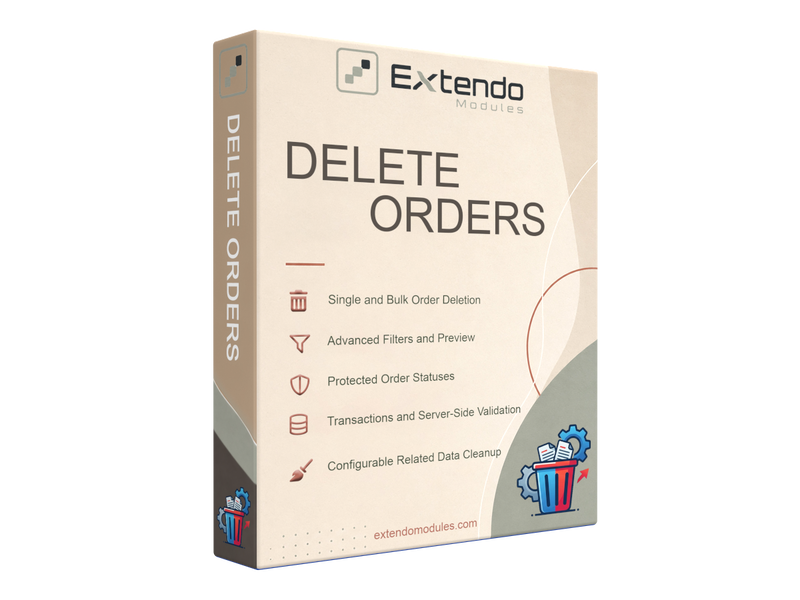
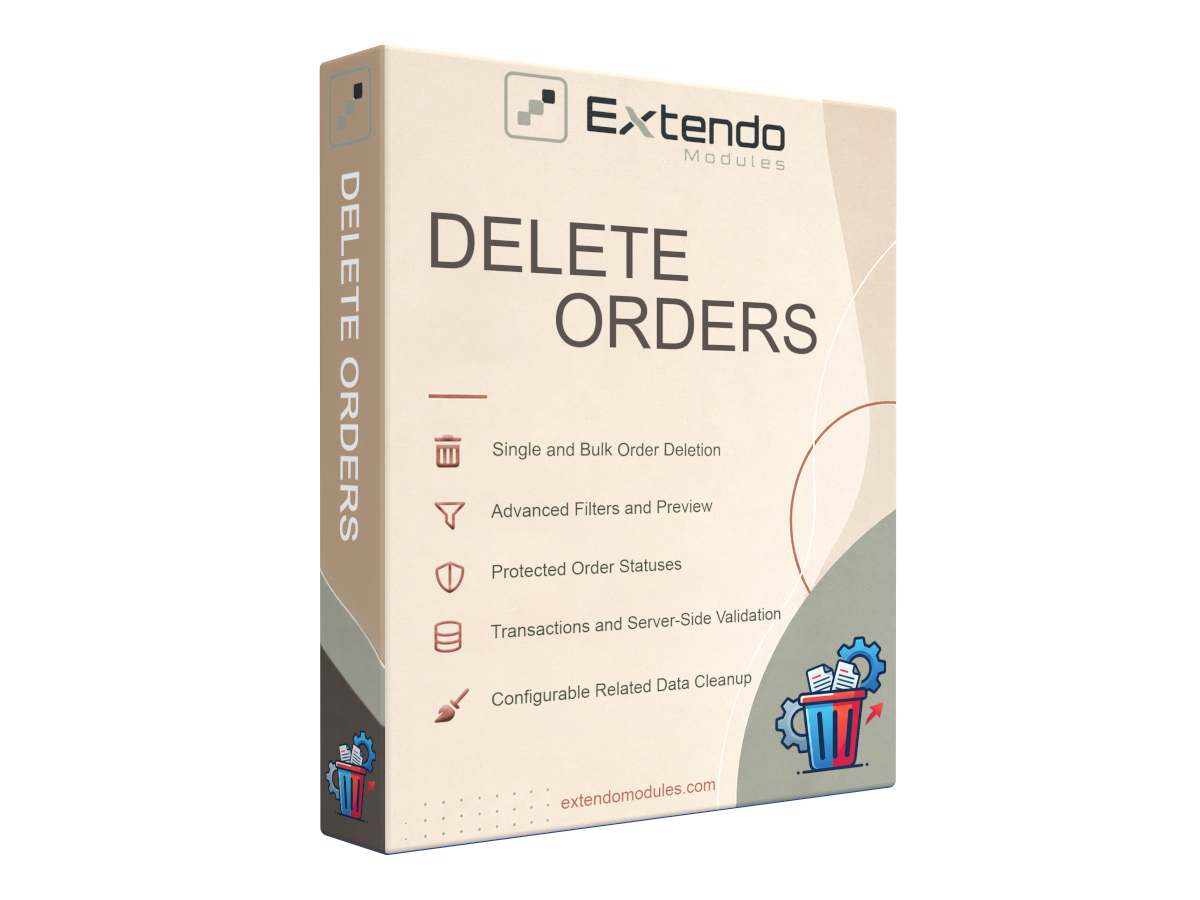
  • Single-order deletion by order ID
  • Advanced bulk order deletion
  • Preview and manually select matching orders
  • Protected order statuses
  • Configurable cleanup of related records
  • Current-shop isolation in multistore
  • Privacy-conscious technical logging

Important: Deleted orders cannot be restored. The module does not return products to stock or restore previously used vouchers.

PrestaShop version support: 1.7.8.x 8.x 9.x
Translations: English French Spanish Portuguese Polish Italian Ukranian
Requirements: PHP extension - IonCube Loader v14


Delete PrestaShop Orders Without Manual Database Changes

Delete Orders is a PrestaShop administration module for permanently removing test, incorrect, duplicate, or obsolete orders directly from the Back Office.

The module provides controlled single-order and bulk deletion tools with validation, order previews, protected statuses, multistore restrictions, and configurable cleanup of related data.

It is intended for store maintenance, development, testing, migrations, and other situations where unwanted order records must be removed without running manual SQL queries or editing database tables.

Permanent Operation

Deleted orders and selected related records cannot be restored through the module. Create a current database backup and review every selected order before confirming deletion.

Why Use a Dedicated PrestaShop Order Deletion Module?

PrestaShop does not normally provide a standard Back Office action for permanently deleting completed order records. Administrators therefore sometimes resort to direct database modifications, which can leave related records behind or remove data belonging to the wrong shop.

Delete Orders provides a structured alternative. It checks the current shop, validates protected statuses, displays matching records before deletion, and removes the required technical relations associated with the selected order.

Main Features

Single-Order Deletion

Enter a PrestaShop order ID, review the warning, and confirm the deletion. The module verifies the order before processing it.

Bulk Order Deletion

Find multiple orders using precise filters, inspect the results, and explicitly select only the records that should be deleted.

Order Preview Before Deletion

Search results show essential information such as the order ID, status, date, customer, and total. Individual order pages can be opened for further verification.

Protected Order Statuses

Prevent orders with selected statuses from being deleted. This can help protect paid, shipped, delivered, or other operationally important orders.

Configurable Related-Data Cleanup

Choose whether eligible carts, invoices, payments, credit slips, returns, customer service records, and other related information should also be removed.

Multistore Isolation

In a PrestaShop multistore environment, the module only displays and deletes orders belonging to the currently selected shop.

Explicit Confirmation

Bulk search results are never deleted automatically. An employee must select the required rows, acknowledge the warning, and enter the required confirmation text.

Privacy-Conscious Logging

Optional technical logs record the operation result and relevant internal IDs without storing customer names, email addresses, payment details, order totals, or filter values.

Single and Bulk Order Deletion

Delete One Order by ID

The single-order tool is suitable when you already know which order must be removed. Enter its order ID, review the displayed warning, and confirm the operation.

Immediately before deletion, the module verifies that the order belongs to the current shop and is not assigned to a protected order status.

Find and Delete Multiple Orders

The bulk deletion tool is designed for larger cleanup operations. It allows administrators to search for unwanted orders, preview the matches, and manually select individual rows for deletion.

Matching an order does not automatically mark it for deletion. Only explicitly selected records are processed.

Advanced Order Filters

Bulk order searches can use one or more of the following criteria:

  • Order ID
  • Customer ID
  • Customer email address
  • One or more order statuses
  • Start date
  • End date
  • Minimum order age in days

When several filters are supplied, they are combined using AND logic. An order must satisfy every specified condition to appear in the results.

Example: You can search for orders older than 90 days that belong to a particular customer and currently have a selected order status.

Protected Order Statuses

Any available PrestaShop order status can be protected from deletion. Orders assigned to a protected status cannot be removed through either the single-order or bulk deletion interface.

On initial installation, the module attempts to protect the following statuses when they are available:

  • Payment Accepted
  • Shipped
  • Delivered

Administrators can change the protected-status selection according to the store’s workflow. The status is checked again immediately before the deletion is executed.

Configurable Cleanup of Related Order Data

The module always removes the technical relations required for consistent deletion of the main order record.

Additional cleanup options can be enabled separately for:

  • The associated cart and its product relations
  • Cart voucher relations
  • Payments when the order reference is not shared with another order
  • Order invoices
  • Merchandise returns and return details
  • Credit slips and credit-slip details
  • Customer service threads and messages linked to the order
  • Cart rules that are not used by another order

Optional cleanup settings are disabled by default. This allows the administrator to choose how much related information should be removed for a particular store structure.

Built for Safer Administrative Use

Permanent order deletion is a sensitive operation. Delete Orders includes several safeguards intended to reduce accidental or overly broad changes:

  • Current-shop ownership checks
  • Protected-status validation
  • Search results displayed before deletion
  • Manual row selection
  • Warning acknowledgement
  • Typed confirmation for bulk operations
  • Configurable maximum operation limits
  • Optional technical logs

Shop ownership and protected status are validated again immediately before each deletion rather than relying only on the original search results.

PrestaShop Multistore Support

The module respects the active PrestaShop shop context. When multistore is enabled, searches only return orders belonging to the currently selected shop.

The same restriction is applied again during deletion. An order belonging to another shop cannot be removed from the active shop context.

Base and Registered Editions

FeatureBase EditionRegistered Edition
Delete one order by IDIncludedIncluded
Current-shop validationIncludedIncluded
Protected order statusesIncludedIncluded
Bulk order searchNot includedIncluded
Advanced search filtersNot includedIncluded
Bulk result previewNot includedIncluded
Manual selection of multiple ordersNot includedIncluded
Configurable bulk operation limitNot includedIncluded

Recommended Before Deleting Orders

  1. Create a current backup of the PrestaShop database.
  2. Check whether the order has an associated payment, invoice, credit slip, or return.
  3. Confirm that any required refund or cancellation has already been completed.
  4. Review the configured protected statuses.
  5. Verify that the correct shop is selected in multistore mode.
  6. Preview every matching order before selecting it.
  7. Start with a small number of records when performing the first bulk cleanup.

Practical use cases

Remove Test Orders

Clean up orders created while configuring payment, shipping, tax, checkout, or order-status workflows.

Development Store Cleanup

Remove sample transactions before transferring a development or staging store into production.

Delete Incorrect Orders

Permanently remove orders created because of configuration errors, failed imports, or administrative mistakes.

Clean Imported Data

Find and remove unwanted orders introduced during testing, migration, synchronization, or data-import operations.

Remove Obsolete Records

Delete specifically selected historical records when permanent removal is appropriate for the store’s operational and legal requirements.

Multistore Maintenance

Clean order records within one selected shop without exposing orders belonging to another shop in the same installation.

What the Module Does Not Do

  • It does not restore product quantities to stock.
  • It does not restore previously used vouchers.
  • It does not cancel or refund a payment through the payment provider.
  • It does not create a recoverable archive of deleted orders.
  • It does not replace the need for a database backup.

Frequently Asked Questions

Can I delete one PrestaShop order?

Yes. Enter the order ID in the single-order deletion tool, review the warning, and confirm the operation. Single-order deletion is included in the Base edition.

Can I delete multiple PrestaShop orders at once?

Yes. The Registered edition provides bulk search, advanced filters, result previews, manual row selection, and controlled bulk deletion.

Are all search results deleted automatically?

No. Search results are displayed for review. An employee must explicitly select the orders that should be removed and complete the confirmation procedure.

Can paid or delivered orders be protected?

Yes. You can protect any available PrestaShop order status. Orders assigned to a protected status cannot be deleted through the module.

Does deleting an order restore product stock?

No. The module permanently removes order records but does not return purchased quantities to stock.

Are used vouchers restored?

No. Previously used vouchers are not restored by the deletion process.

Does deletion refund the customer?

No. Deleting a PrestaShop order does not send a refund or cancellation request to the payment provider. Any required payment operation must be completed separately.

Can related records also be deleted?

Yes. Administrators can separately enable eligible cleanup options for carts, payments, invoices, returns, credit slips, customer service records, and unused cart rules.

Does the module support PrestaShop multistore?

Yes. Search and deletion operations are limited to orders belonging to the currently selected shop.

Can a deleted order be restored?

No. The module does not provide an undo or recovery function. Restore from a database backup if deleted data must be recovered.

Controlled PrestaShop Order Cleanup

Delete Orders provides a structured way to remove unwanted PrestaShop orders with previews, protected statuses, explicit confirmation, multistore controls, and configurable cleanup of related records.

Downloading, registering and using a module

Translations
English
French
Italian
Polish
Portuguese
Spanish
Ukranian
PrestaShop version support
1.7.8.x
8.x
9.x
Requirements
PHP extension - IonCube Loader v14

Current version: 1.0.0


Version 1.0.0

Initial release

Product added to wishlist