• New
xtdfeatureblocks - Product Feature Blocks module - PrestaShop module by Extendo Modules

Product Feature Blocks module

xtdfeatureblocks
€29.90
Tax included

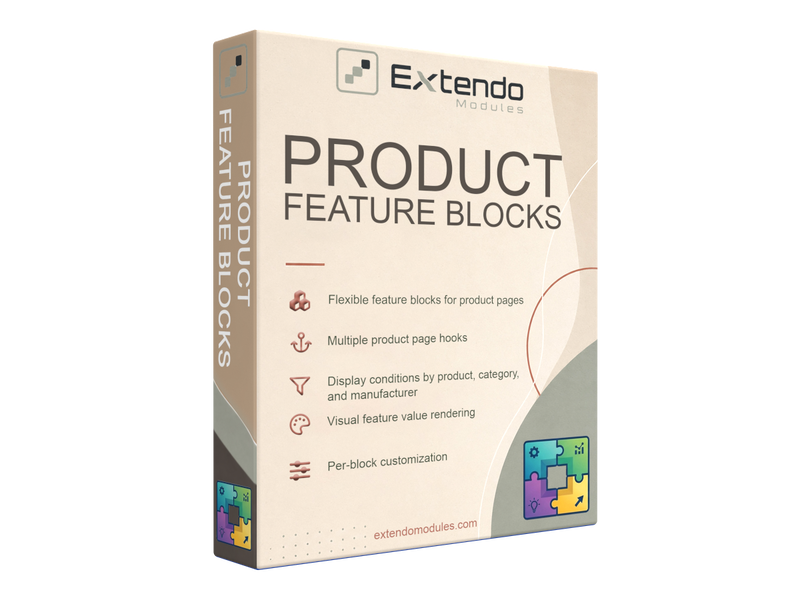
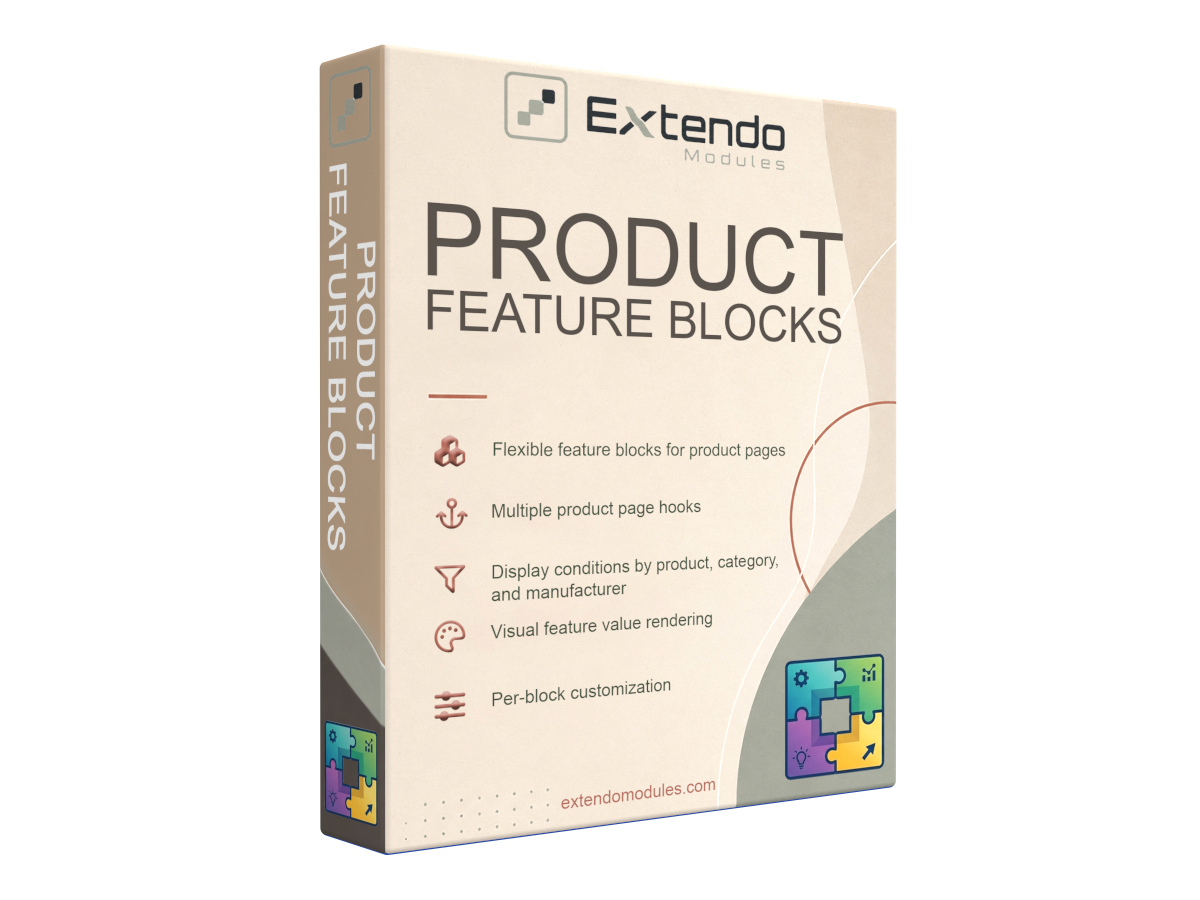
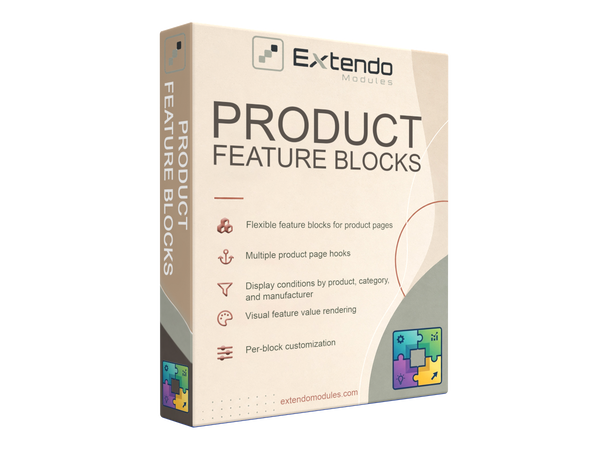
Organize PrestaShop product features into clear, customizable blocks.

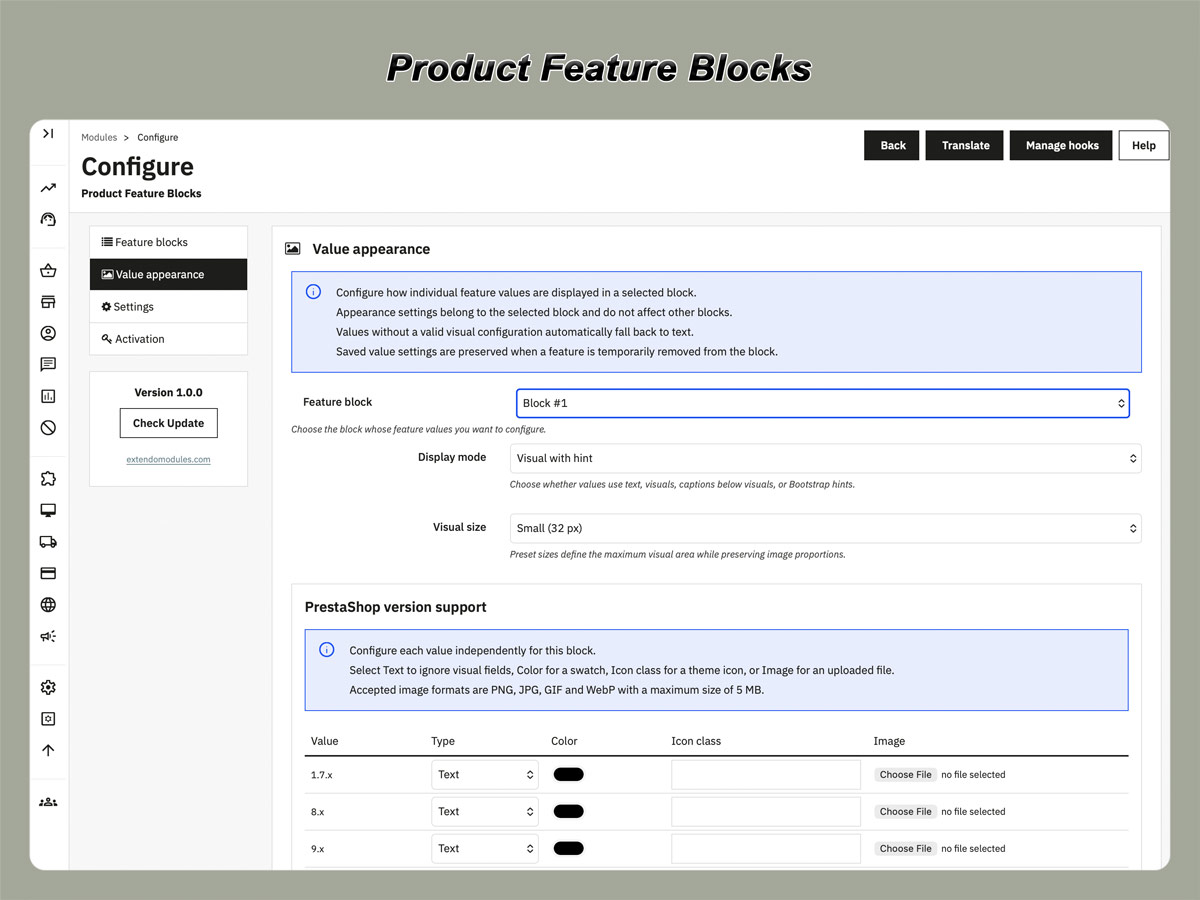
Display selected specifications as text, colors, icons, or images and place each block in a suitable area of the product page.

  • Create multiple feature blocks
  • Select and reorder displayed features
  • Use text, colors, icons, or images
  • Target products, categories, or manufacturers
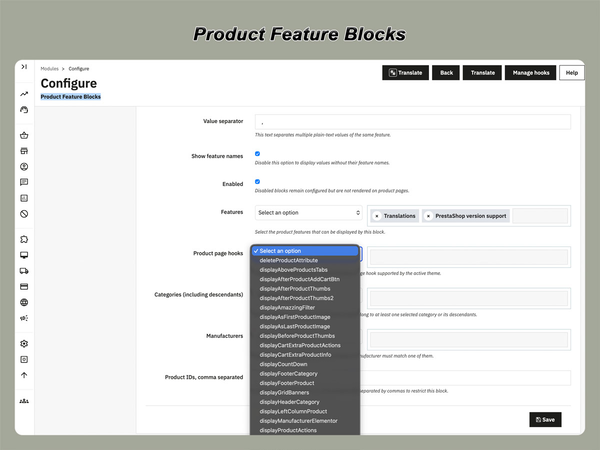
  • Display blocks in supported product-page hooks
  • No theme template editing required
PrestaShop version support: 1.7.8.x 8.x 9.x
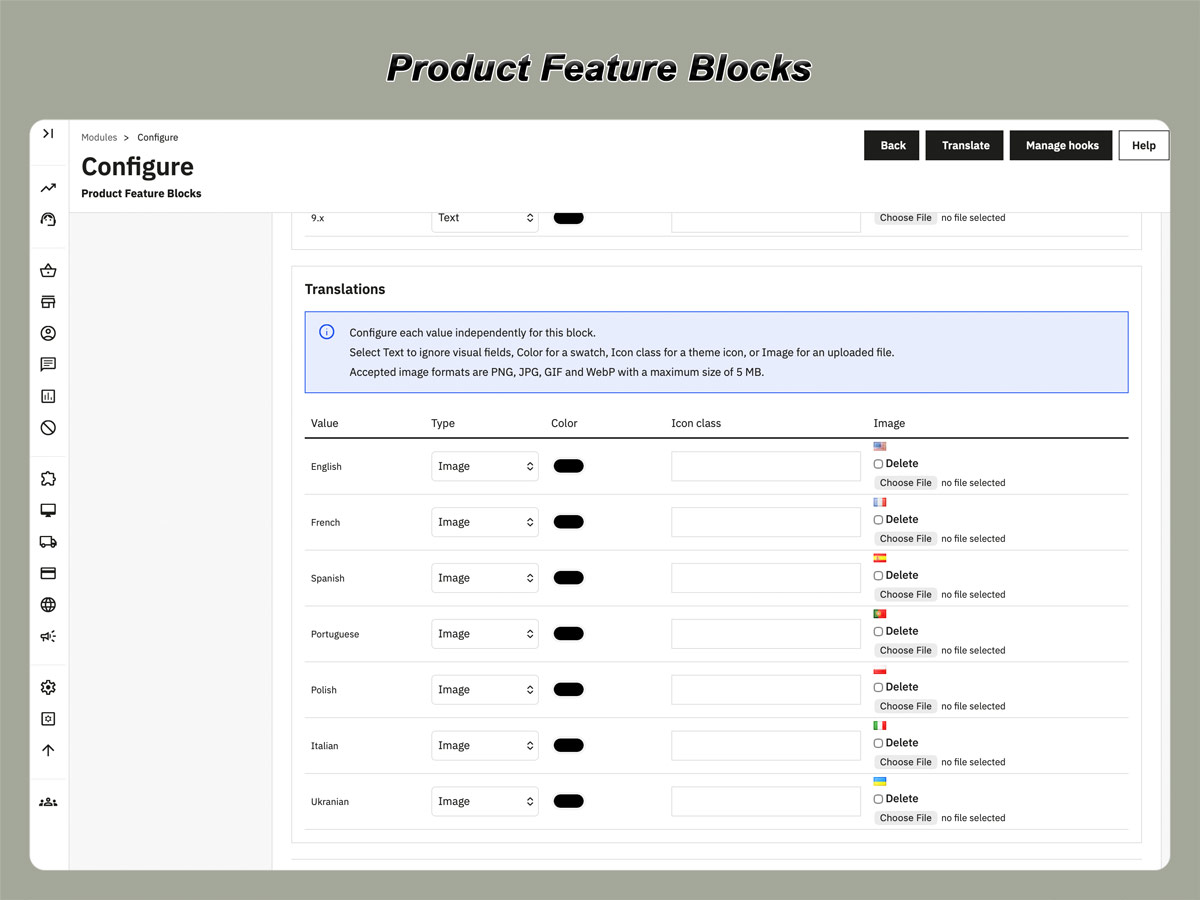
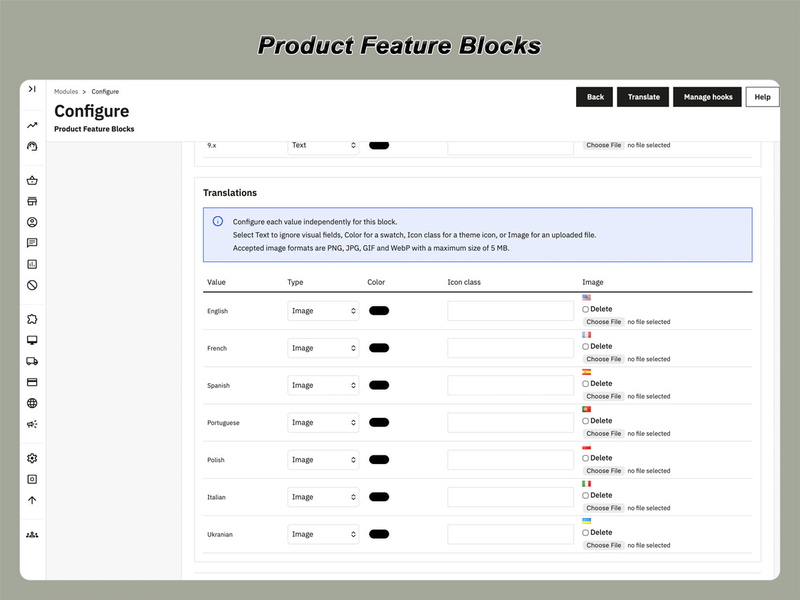
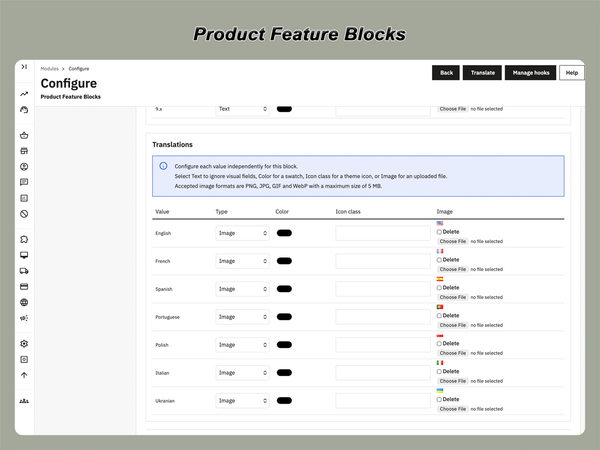
Translations: English French Spanish Portuguese Polish Italian Ukranian
Requirements: PHP extension - IonCube Loader v14


Organize PrestaShop product features into clear, useful blocks

Product Feature Blocks is a PrestaShop module that gives you more control over how product specifications are displayed on product pages.

Instead of showing all product features in one standard list, you can organize selected features into separate blocks, choose where each block appears, and adapt its content to different product groups.

This makes important specifications easier to find and helps customers compare product details without searching through a long, unstructured feature table.

What you can do with Product Feature Blocks

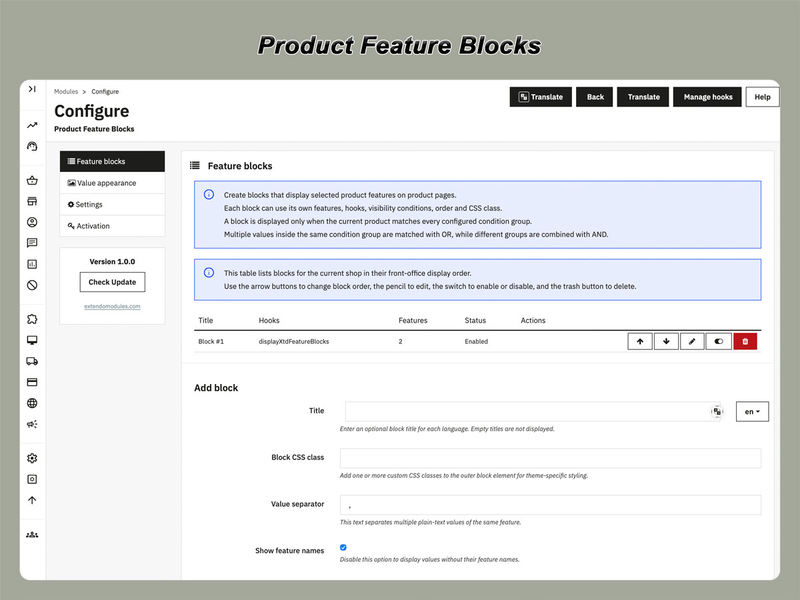
  • Create multiple feature blocks for the same product page
  • Select which PrestaShop features appear in each block
  • Define the order in which features are displayed
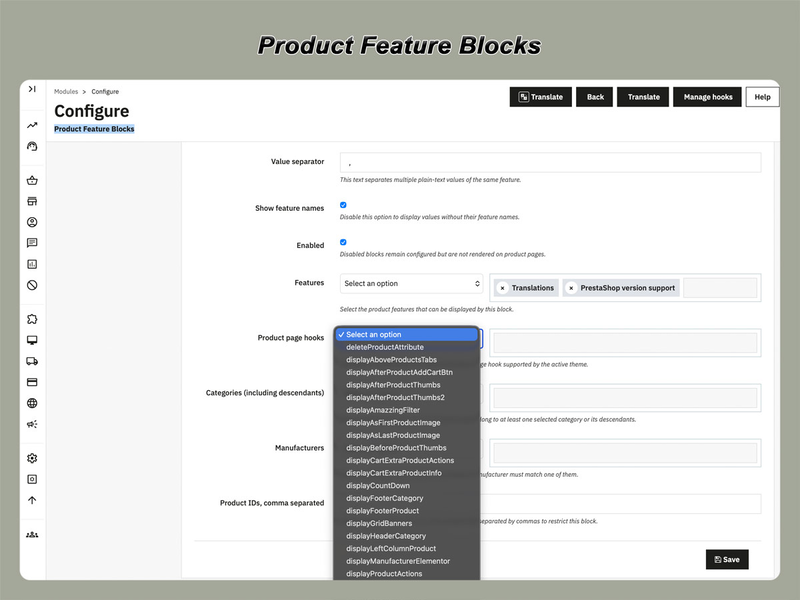
  • Place blocks in supported product-page hooks
  • Show blocks only for selected products, categories, or manufacturers
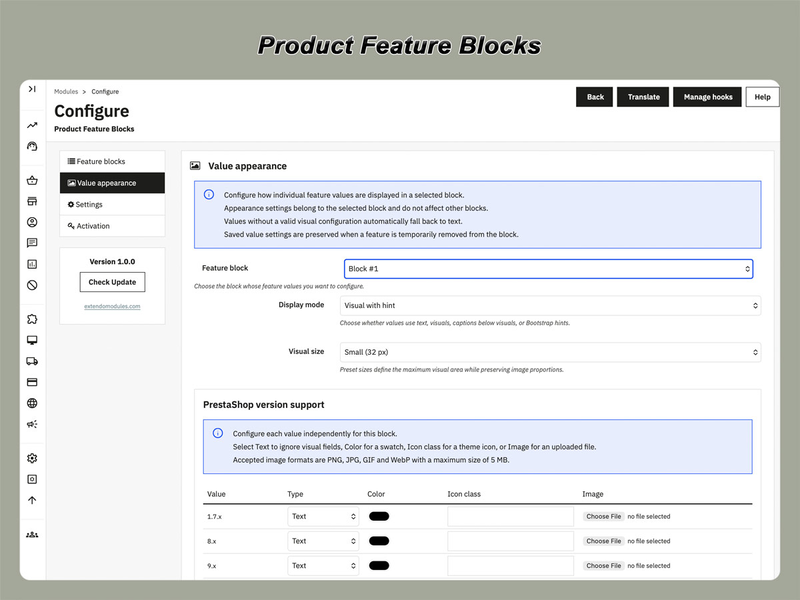
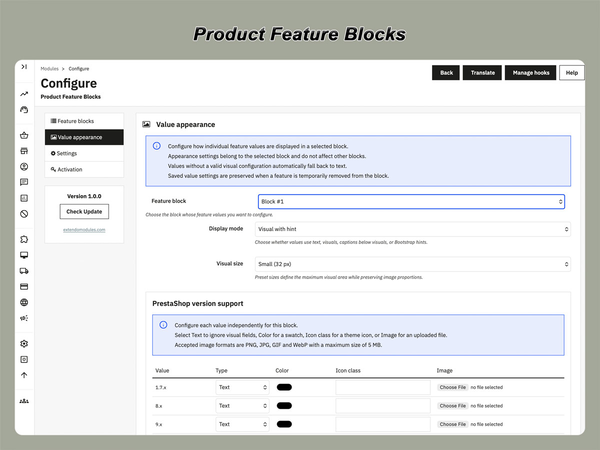
  • Display feature values as text, colors, icons, or images
  • Configure titles, labels, separators, and CSS classes independently
  • Improve product presentation without editing theme templates

Display the right specifications in the right place

Not every product feature has the same purpose.

Technical specifications may belong in a detailed information section, while key benefits, materials, available finishes, or compatibility information may be more useful near the product title, price, or purchase controls.

Product Feature Blocks lets you separate these details and place each group in a more relevant area of the product page.

For example, you can create:

  • a technical specifications block;
  • a materials and finishes block;
  • a product compatibility block;
  • a dimensions and weight block;
  • a packaging information block;
  • a key product features block.

Each block is configured separately, so the same product can display several groups of features with different titles and presentation settings.

Flexible placement on the product page

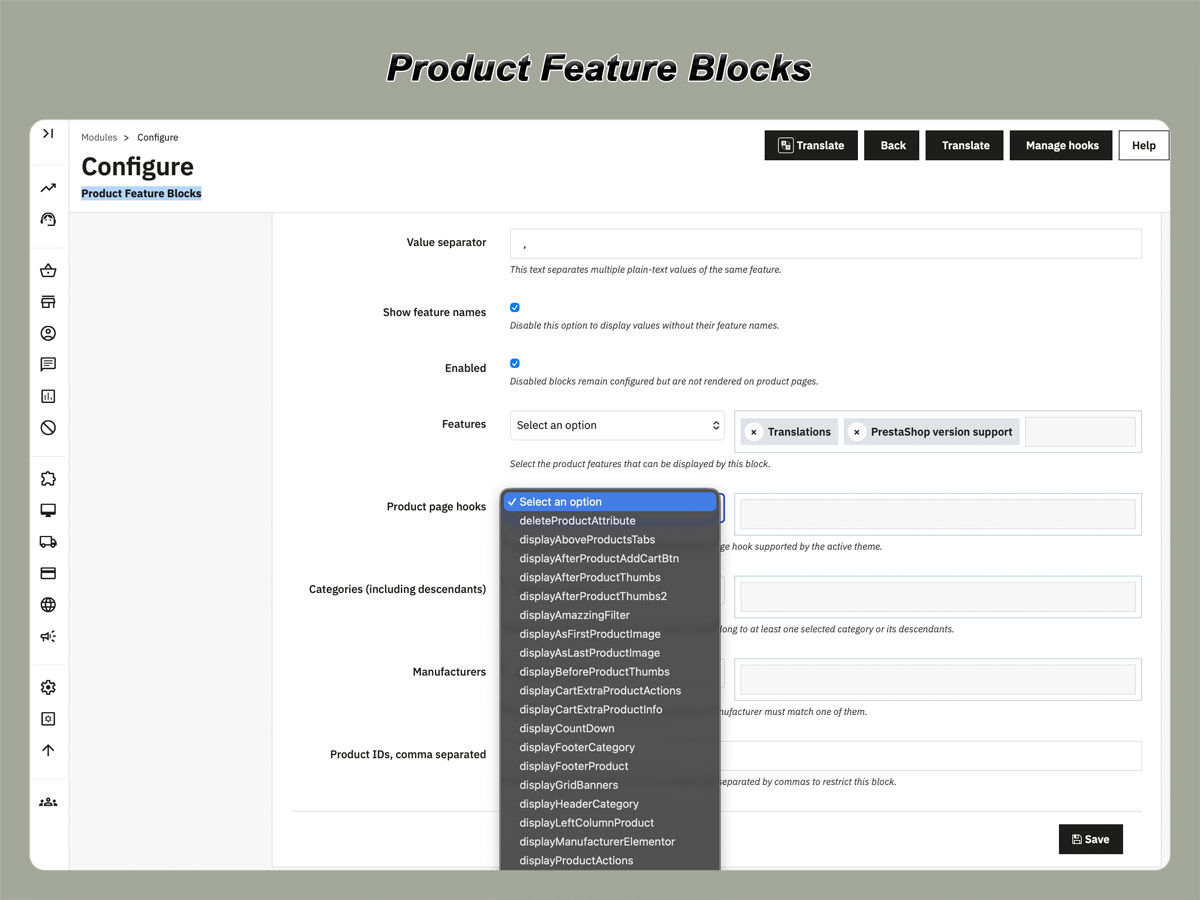
Assign each block to one of the supported PrestaShop product-page hooks.

Depending on your theme and available hook positions, feature blocks can be displayed in areas such as:

  • product information sections;
  • additional product content;
  • product tabs;
  • side columns;
  • areas near product purchasing information;
  • other supported product-page positions.

This gives you more control over product page structure without manually changing template files.

Available positions may depend on the hooks implemented by your PrestaShop theme.

Display conditions for different product groups

A single feature layout may not be suitable for your entire catalog.

The module allows each block to be assigned to selected:

  • products;
  • categories;
  • manufacturers.

This means you can create different specification blocks for different types of products.

For example:

  • electronics can display connectivity and power specifications;
  • furniture can display materials, dimensions, and finishes;
  • clothing can display composition and care information;
  • tools can display power, capacity, and compatibility;
  • food products can display ingredients, packaging, and storage details.

Display rules help keep product information relevant without duplicating configuration for every individual product.

Visual feature values

Text

Use standard text for technical specifications, dimensions, materials, compatibility details, and other descriptive values.

Color swatches

Represent colors, finishes, materials, or visual classifications using clear color samples.

Icons

Display feature values as images when a visual reference is more useful than a text label.

Labels and tooltips can be used with visual modes to preserve clarity and provide customers with additional information

Images

Display feature values as images when a visual reference is more useful than a text label.

Labels and tooltips can be used with visual modes to preserve clarity and provide customers with additional information.

Independent settings for every block

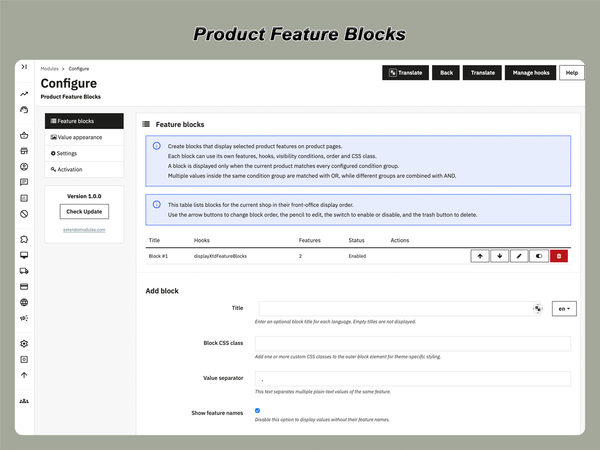
Each feature block can have its own configuration, including:

  • block title;
  • selected features;
  • feature display order;
  • feature name visibility;
  • value separator;
  • custom CSS class;
  • product-page hook;
  • product, category, and manufacturer conditions;
  • visual presentation settings.

This allows you to create compact summary blocks, detailed specification sections, or visual feature panels from the same PrestaShop feature data.

How it works

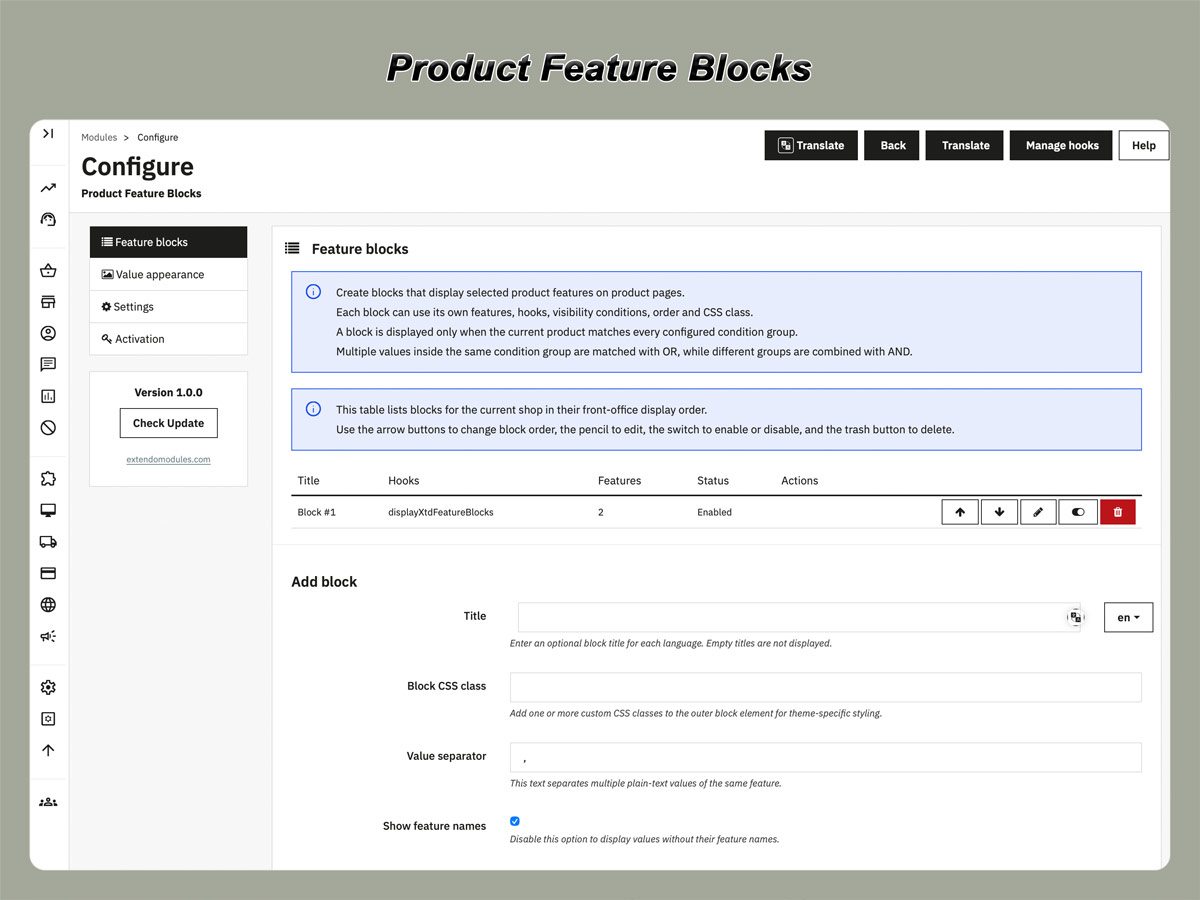
1. Create a feature block

Add a new block and give it a clear internal name and customer-facing title.

2. Select product features

Choose which existing PrestaShop features should appear and arrange them in the required order.

3. Define display conditions

Choose whether the block should appear for all applicable products or only for selected products, categories, or manufacturers.

4. Select a position and presentation

Assign the block to a supported product-page hook and configure how feature names and values should be displayed.

The module then builds the block automatically using the feature values assigned to each product.

Benefits for customers and store administrators

For customers

  • Important specifications are easier to find
  • Related information is grouped logically
  • Visual values are easier to understand
  • Product pages are easier to scan
  • Technical details can be presented closer to the relevant purchasing information

For store administrators

  • Existing PrestaShop feature data can be reused
  • Blocks can be configured from the back office
  • Different product groups can use different layouts
  • Presentation can be changed without editing individual products
  • Custom template modifications are reduced

Frequently Asked Questions

Does the module create new product features?

The module uses product features and feature values already managed in PrestaShop. It controls how selected features are grouped and displayed on product pages.

Can I create more than one block on a product page?

Yes. You can create multiple blocks and configure their content, position, conditions, and presentation independently.

Can different categories use different feature blocks?

Yes. A block can be limited to selected products, categories, or manufacturers.

Can feature values be displayed visually?

Yes. Supported presentation modes include text, colors, icons, and images. Labels or tooltips can be used where appropriate.

Can I choose the order of the displayed features?

Yes. Each block has its own feature selection and display order.

Do I need to modify my theme templates?

The module displays blocks through supported PrestaShop hooks, so normal configuration does not require direct template editing. Available positions depend on the hooks supported by your theme.

Will the module replace the standard PrestaShop feature table?

The module provides an alternative way to present selected product features. Whether the original feature table remains visible depends on your theme and store configuration.

Does the module work with all products?

A block is displayed when its conditions match the current product and the product has values for the selected features.

Can I add custom styling?

Yes. A custom CSS class can be assigned to each block for theme-specific styling.

Is the licence permanent?

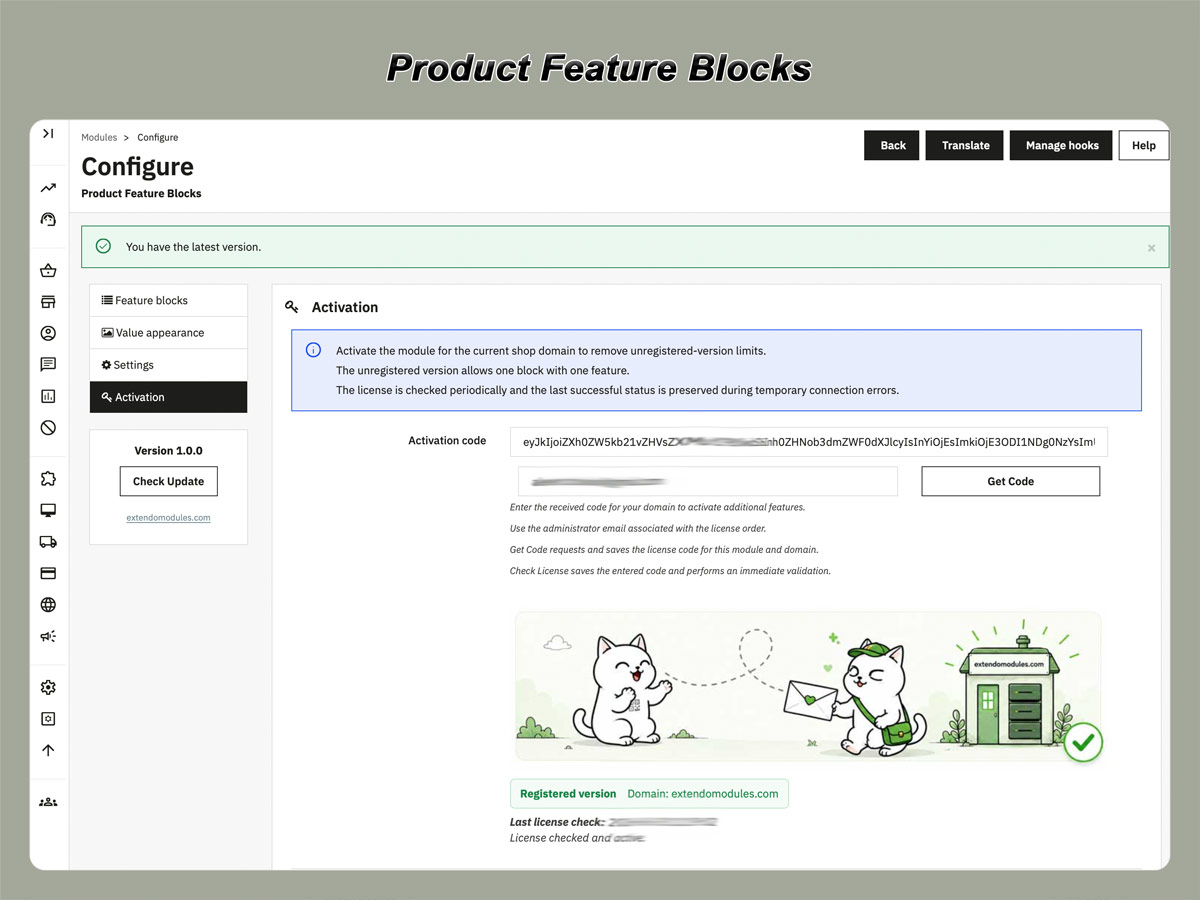
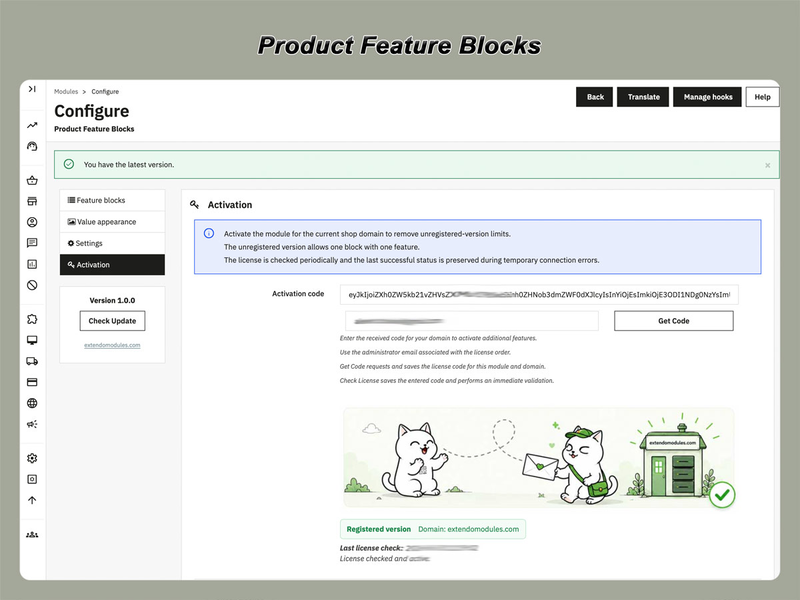
The licence is valid for the assigned domain according to the product licence terms. The purchase includes one year of access to free updates.

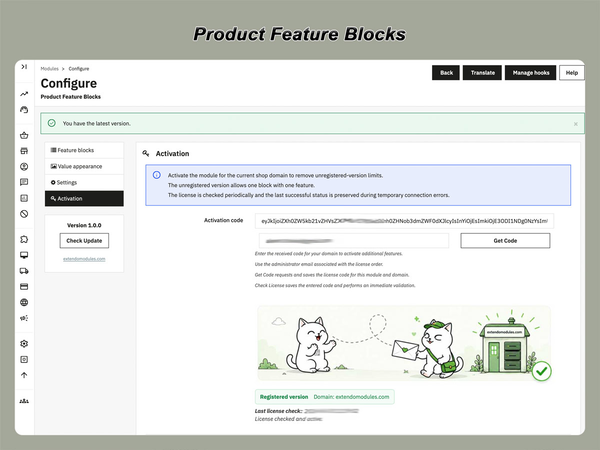
Downloading, registering and using a module

Translations
English
French
Italian
Polish
Portuguese
Spanish
Ukranian
PrestaShop version support
1.7.8.x
8.x
9.x
Requirements
PHP extension - IonCube Loader v14

Current version: 1.0.0


Version 1.0.0

Initial release

Product added to wishlist