• New
xtdseoimg - SEO Image Templates module - PrestaShop module by Extendo Modules

SEO Image Templates module

xtdseoimg
€19.90
Tax included

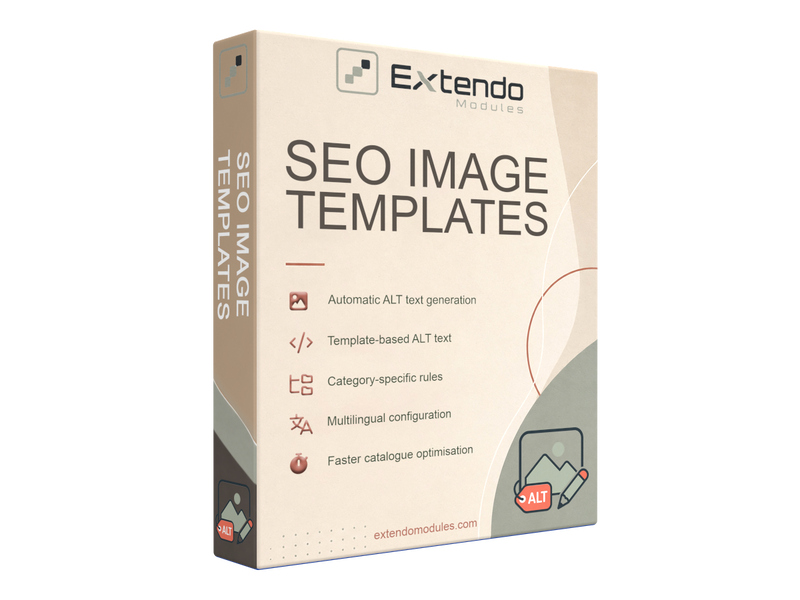
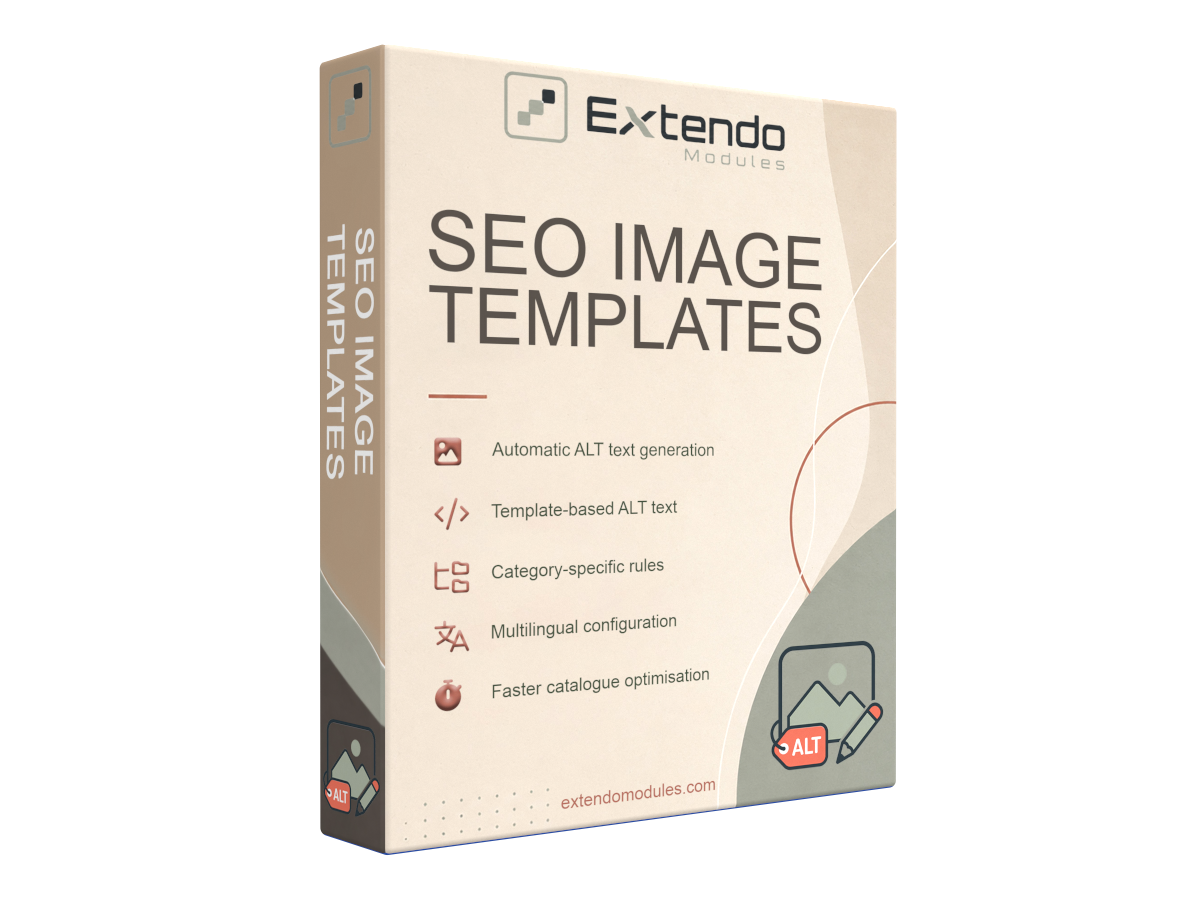
Automatically generate structured ALT text for PrestaShop product images using custom templates, product information, category data, language settings, and category-specific rules.

Improve image accessibility, maintain consistent image descriptions, and optimise large catalogues without editing every image manually.

PrestaShop version support: 1.7.8.x 8.x 9.x
Translations: English French Spanish Portuguese Polish Italian Ukranian


SEO Image Templates for PrestaShop

Create consistent, descriptive ALT text for product images automatically using reusable templates and catalogue data.

SEO Image Templates helps PrestaShop merchants optimise product image descriptions without manually editing every image. Build ALT text templates from product and category information, apply them across selected parts of your catalogue, and configure different rules for individual languages or product categories.

The module is particularly useful for stores with large catalogues, multilingual websites, or product images that currently have missing, generic, or inconsistent ALT attributes.

Automate Product Image ALT Text

Manually writing image descriptions for hundreds or thousands of product images takes considerable time. SEO Image Templates automates this process by generating ALT text according to predefined templates.

Instead of entering each description separately, you define the desired structure once and allow the module to apply it consistently to matching product images.

This helps you:

  • reduce repetitive catalogue work;

  • maintain a consistent ALT text structure;

  • add relevant product context to image descriptions;

  • manage image optimisation more efficiently as the catalogue grows.

Build ALT Text from Product Data

Create reusable templates based on available catalogue information, such as the product name, category name, or other supported product values.

For example, a template can combine relevant information into a structured description:

Product name – Category name

Using catalogue data makes it easier to generate meaningful image descriptions while keeping them connected to the actual content of each product page.

Templates should remain concise and descriptive. They are intended to explain the image context rather than create long lists of repeated keywords.

Apply Different Rules by Category

Not every product category needs the same image description format.

SEO Image Templates allows you to define rules for one or several categories. This provides greater control over how image ALT text is generated for different catalogue sections.

You can create one structure for clothing, another for accessories, and a separate format for technical products or other specialised categories.

Category-based rules help make generated descriptions more relevant to the products they represent.

Configure Templates for Multiple Languages

For multilingual PrestaShop stores, image descriptions can be managed separately for different languages.

Create language-specific rules when translated product data or a different template structure is required. You can also apply a shared rule across all store languages when the same configuration is appropriate.

This makes the module suitable for international catalogues and helps maintain consistent image information across localized product pages.

Improve Image Accessibility

ALT text is not used only by search engines. It also provides an alternative description when an image cannot be displayed and can help screen-reader users understand the purpose or content of an image.

By filling missing or inconsistent ALT attributes, the module helps make product pages clearer and more accessible.

Generated ALT text should still describe the relevant image accurately. Decorative images that do not add meaningful information may require an empty ALT attribute instead of an automatically generated description.

Support Image SEO with Better Context

Search engines use ALT text together with surrounding page content to understand an image and its relationship to the page.

Structured and relevant image descriptions can provide additional context for product images and support their visibility in image search. However, ALT text is only one part of image SEO and does not guarantee higher rankings by itself.

For effective image optimisation, use descriptive ALT text together with:

  • accurate product titles and descriptions;

  • relevant surrounding content;

  • clear, high-quality product images;

  • crawlable image URLs;

  • suitable image formats and dimensions;

  • good page performance.

Main Features

Automatic ALT Text Generation

Generate personalised ALT attributes for product images without editing every image manually.

Reusable Templates

Create consistent image description patterns using supported product and category information.

Category-Specific Rules

Apply different ALT text templates to selected product categories or groups of categories.

Multilingual Configuration

Configure individual rules for store languages or use a common rule across multiple languages.

Efficient Catalogue Management

Optimise image descriptions across a large product catalogue while reducing repetitive administrative work.

Who Is This Module For?

SEO Image Templates is suitable for:

  • PrestaShop stores with many product images;

  • catalogues with missing or inconsistent ALT attributes;

  • multilingual online stores;

  • merchants expanding their catalogue regularly;

  • administrators who want to reduce repetitive SEO work;

  • stores that need more consistent image accessibility information.

Why Use SEO Image Templates?

Without an automated system, image descriptions are often missing, duplicated, outdated, or entered inconsistently by different administrators.

SEO Image Templates provides a repeatable workflow. Once your templates and targeting rules are configured, the module can generate image descriptions according to a predictable structure across the relevant catalogue sections.

This gives you better control over product image metadata while saving time on routine catalogue maintenance.

Frequently Asked Questions

What is image ALT text?

ALT text is a textual alternative assigned to an image through its HTML alt attribute. It helps describe the image when it cannot be displayed and provides useful context for assistive technologies and search engines.

Does the module rename image files?

The module is designed to generate image ALT text using templates. File renaming should not be assumed unless it is explicitly included in the installed module version.

Can I use different templates for different categories?

Yes. Rules can be assigned to one or several product categories, allowing different catalogue sections to use different ALT text structures.

Does it support multilingual stores?

Yes. Rules can be configured for individual store languages or applied across multiple languages.

Will ALT text automatically improve my rankings?

No module can guarantee search ranking improvements. Relevant ALT text helps search engines understand images and can support image discoverability, but rankings depend on many technical, content, authority, and user-experience factors.

Can generated ALT text replace product descriptions?

No. ALT text should briefly describe the image in context. It does not replace complete product titles, descriptions, specifications, or other catalogue content.

Downloading, registering and using a module

Translations
English
French
Italian
Polish
Portuguese
Spanish
Ukranian
PrestaShop version support
1.7.8.x
8.x
9.x

Current version: 1.0.1


Version 1.0.1

- Created the initial `xtdseoimg` module for product image legend generation from multilingual templates.

- Added installation, configuration, product rule management, manual rule application, and product update hooks.

- Added an optional uninstall setting to remove module data, disabled by default.

- Added an AJAX batch task runner with a progress panel, pause/continue controls, and server error reporting for long image update jobs.

- Added English merchant documentation in HTML format.

- Added module translation files for English, Spanish, French, Portuguese, Italian, Polish, and Ukrainian.

Product added to wishlist