• New
xtdimagick - Imagick enabler tool module - PrestaShop module by Extendo Modules

Imagick enabler tool module

xtdimagick
€0.00
Tax included

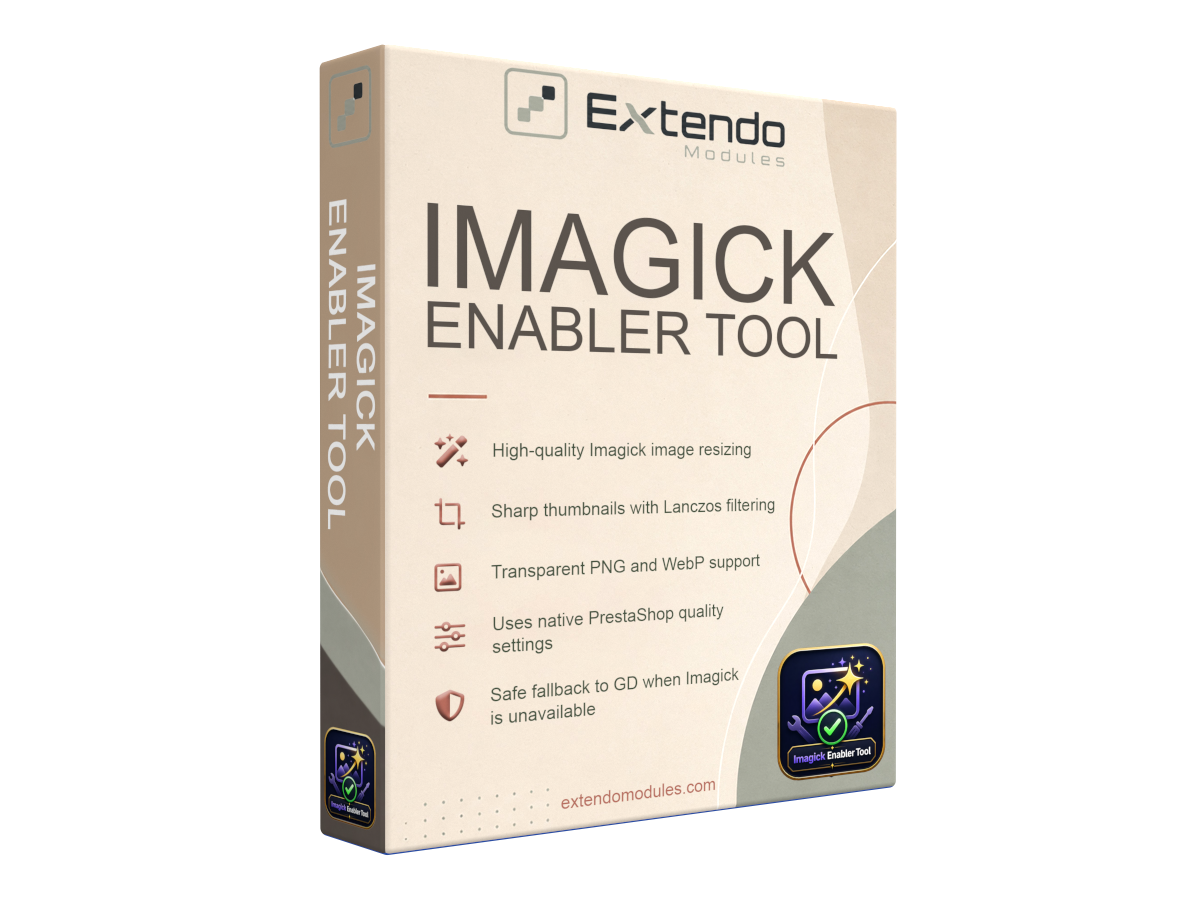
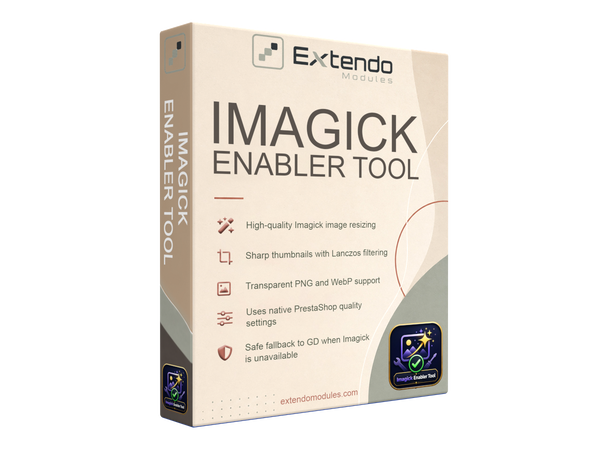
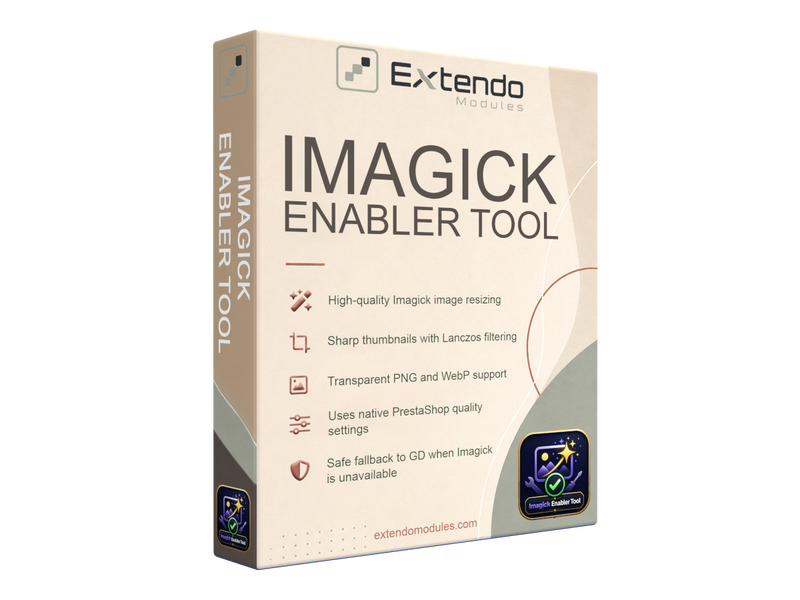
Free PrestaShop module that enables Imagick-based image resizing for sharper product thumbnails and cleaner catalog images.

It preserves PNG and WebP transparency, uses your existing PrestaShop image settings, and automatically falls back to GD when Imagick is unavailable.

PrestaShop version support: 1.7.8.x 8.x 9.x
Translations: English French Spanish Portuguese Polish Italian Ukranian
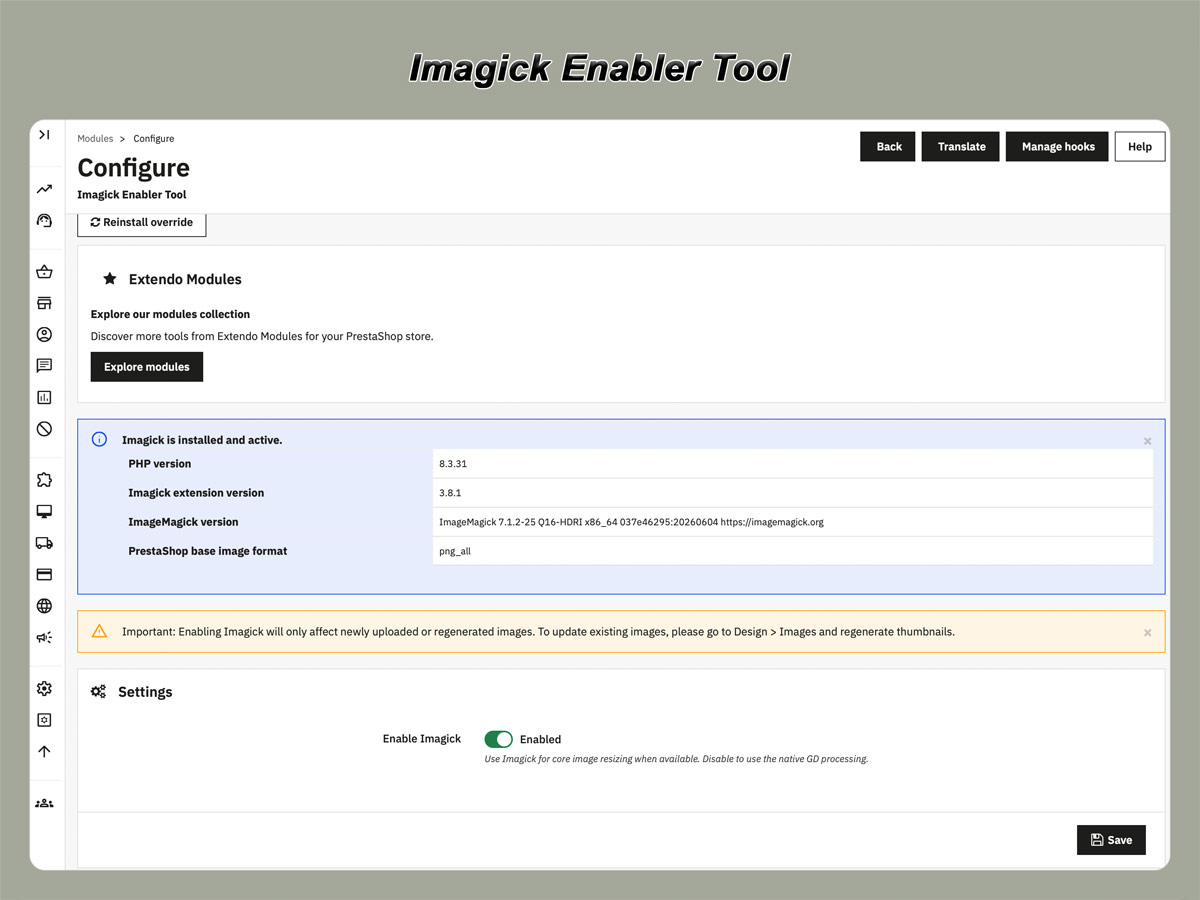
Requirements: PHP extension - Imagick


Improve PrestaShop Image Quality with Imagick

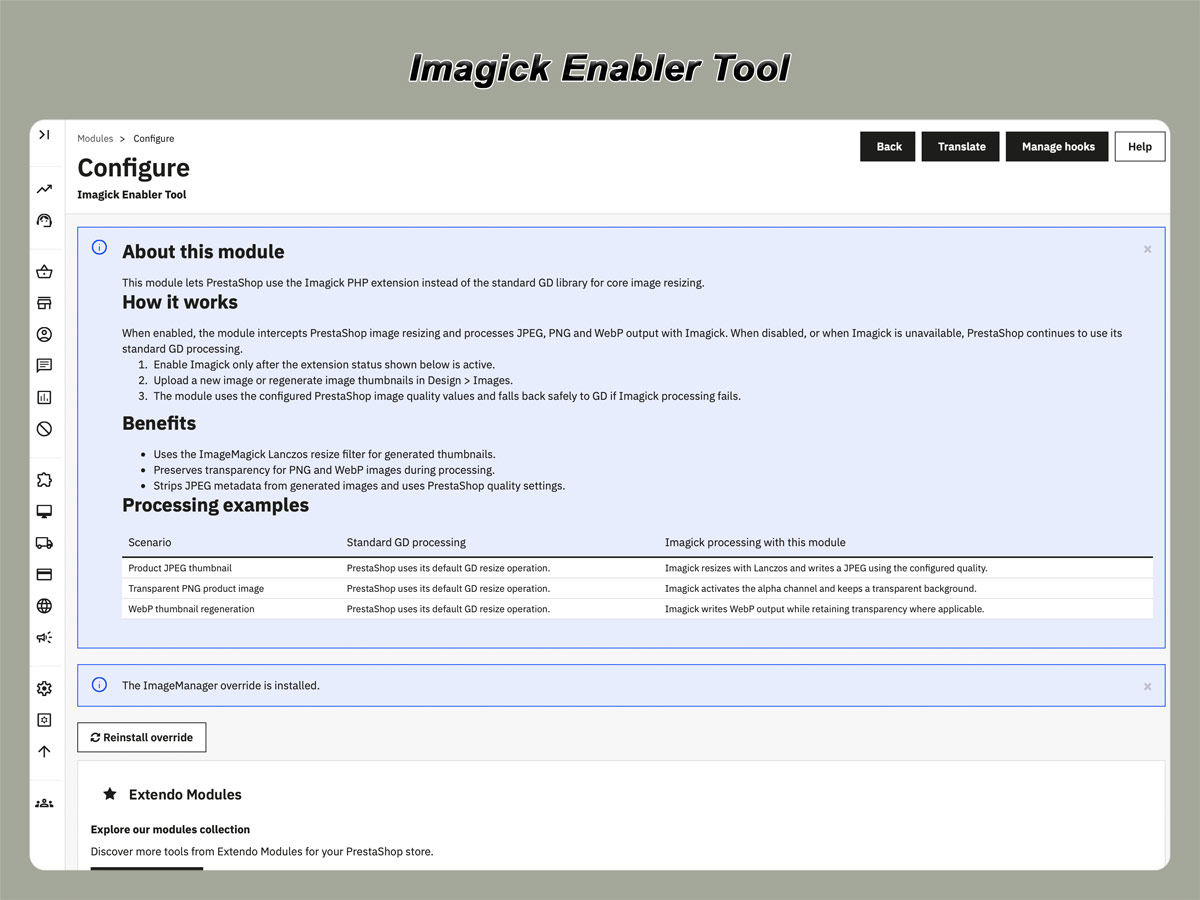
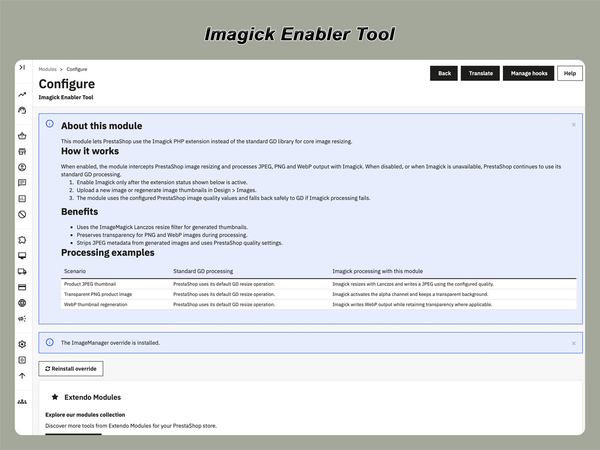
Imagick Enabler Tool is a free PrestaShop module that allows the platform to use the Imagick PHP extension for core image resizing instead of relying exclusively on the default GD library.

The module integrates Imagick into the standard PrestaShop image-processing workflow, helping your store generate sharper product thumbnails, cleaner category images, and better-looking catalog visuals without introducing a separate image management system.

Imagick Enabler Tool is available free of charge. There are no subscription fees or paid feature limitations required to activate its core Imagick image-resizing functionality.

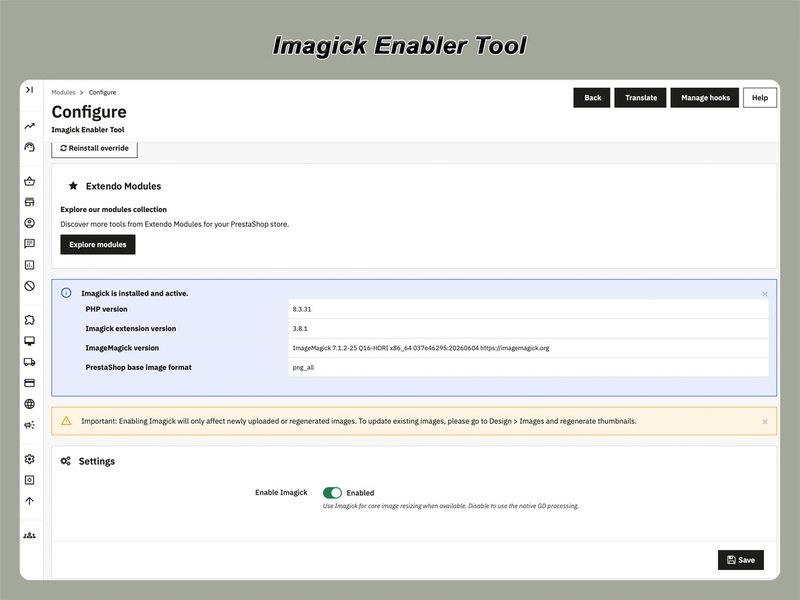
Important: the module does not install ImageMagick or the PHP Imagick extension on your server. The extension must already be installed and enabled by your hosting provider or server administrator.

Why Use Imagick in PrestaShop?

PrestaShop automatically resizes uploaded images to create the different image formats required by your theme, product listings, category pages, cart, checkout, and other areas of the store.

Imagick provides an alternative image-processing engine that can produce cleaner resizing results, particularly when generating smaller thumbnails from large source images. The module enables this processing while keeping the familiar PrestaShop upload and thumbnail regeneration workflow.

Key Features

Sharper Thumbnail Generation

The module uses ImageMagick’s Lanczos resize filter to create sharp, clean thumbnails for product, category, manufacturer, supplier, store, and other images processed by the PrestaShop core.

This can improve the visual consistency of catalog images after uploading new files or regenerating existing thumbnails.

PNG Transparency Support

Transparent areas in PNG images are preserved during supported resize operations. This is useful for product images, logos, icons, diagrams, and catalog graphics that require a transparent background.

WebP Transparency Support

The module also preserves transparency when processing supported WebP images. Transparent WebP files can therefore be resized without automatically replacing transparent areas with an unwanted solid background.

Uses Existing PrestaShop Image Settings

Imagick Enabler Tool respects the image quality and format settings already configured in your PrestaShop back office.

There is no separate compression interface to configure and no need to change the way your team uploads or regenerates images.

Automatic GD Fallback

If the Imagick PHP extension is unavailable, disabled, or unable to process a particular image, PrestaShop can continue using its standard GD-based image processing.

This fallback helps prevent normal image operations from being interrupted when Imagick cannot be used.

Works with the Standard PrestaShop Workflow

The module does not replace the product image interface or require an external image service. Continue using the regular PrestaShop tools to:

  • upload product and category images;
  • configure image formats;
  • set JPEG, PNG, or WebP quality;
  • regenerate thumbnails;
  • manage images from the back office.

Images Processed by the Module

Imagick Enabler Tool is designed to affect images resized through PrestaShop’s core image-processing system. Depending on your PrestaShop configuration and theme, this may include:

  • product images and product thumbnails;
  • category images;
  • manufacturer and supplier images;
  • store images;
  • theme-generated image formats;
  • PNG and WebP graphics with transparent backgrounds.

When Is This Module Useful?

This module is particularly useful when:

  • generated product thumbnails look softer than the original images;
  • you want PrestaShop to use Imagick instead of GD where possible;
  • your catalog includes PNG or WebP images with transparency;
  • you regularly regenerate multiple PrestaShop image formats;
  • you want better image processing without changing the standard back-office workflow;
  • your server already has the PHP Imagick extension enabled.

Server Requirements

  • A working PrestaShop installation supported by the module version.
  • The PHP Imagick extension installed and enabled on the server.
  • An ImageMagick installation compatible with the active PHP Imagick extension.
  • Sufficient PHP memory and execution time for processing large images or regenerating many thumbnails.

You can usually check whether Imagick is available through your hosting control panel, PHP information page, or by contacting your hosting provider.

Installation and Use

  1. Confirm that the PHP Imagick extension is installed and enabled.
  2. Install Imagick Enabler Tool through the PrestaShop module manager.
  3. Enable the module.
  4. Upload a new image or regenerate existing thumbnails.
  5. Check the generated images in your storefront.

No changes to the normal PrestaShop image upload process are required.

Frequently Asked Questions

Does the module install Imagick on my server?

No. The module enables PrestaShop to use an existing Imagick PHP extension. Your hosting provider or server administrator must install and enable the extension separately.

Will the module continue working if Imagick is unavailable?

PrestaShop can fall back to its standard GD image processing when Imagick is unavailable or cannot complete an operation.

Do I need to re-upload all product images?

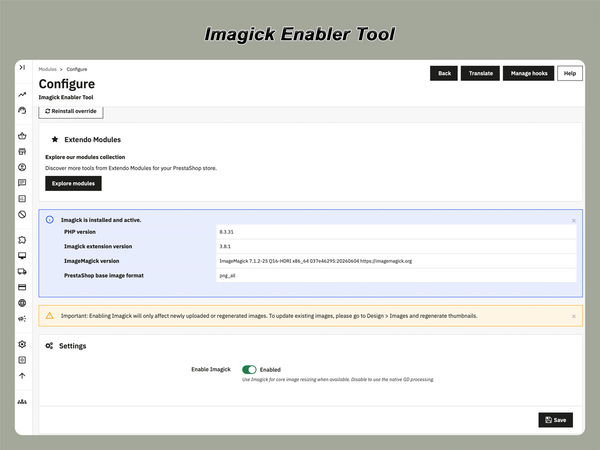
No. To apply the new resizing method to existing images, use PrestaShop’s thumbnail regeneration function. Back up your images before performing large regeneration operations.

Does it preserve transparent image backgrounds?

The module is designed to preserve transparency for supported PNG and WebP images during applicable resize operations.

Does the module replace PrestaShop image settings?

No. It uses the existing image formats and quality settings configured in your PrestaShop back office.

Will Imagick automatically make image files smaller?

Not necessarily. File size depends on the source image, output format, dimensions, quality settings, ImageMagick configuration, and other factors. The module primarily changes the image-processing engine used for resizing.

Can I use it together with an image optimization module?

Possibly, but modules that override the same PrestaShop image-processing classes may conflict. Test the combination in a staging environment before using it on a production store.

Downloading and using a module

Translations
English
French
Italian
Polish
Portuguese
Spanish
Ukranian
PrestaShop version support
1.7.8.x
8.x
9.x
Requirements
PHP extension - Imagick

Current version: 1.0.1


Version 1.0.1

- Removed the promotional campaign block from the module back office page.

- Removed the related remote campaign fetch, caching, validation, and translated strings.
Customers who bought this product also bought:

Product added to wishlist