• New
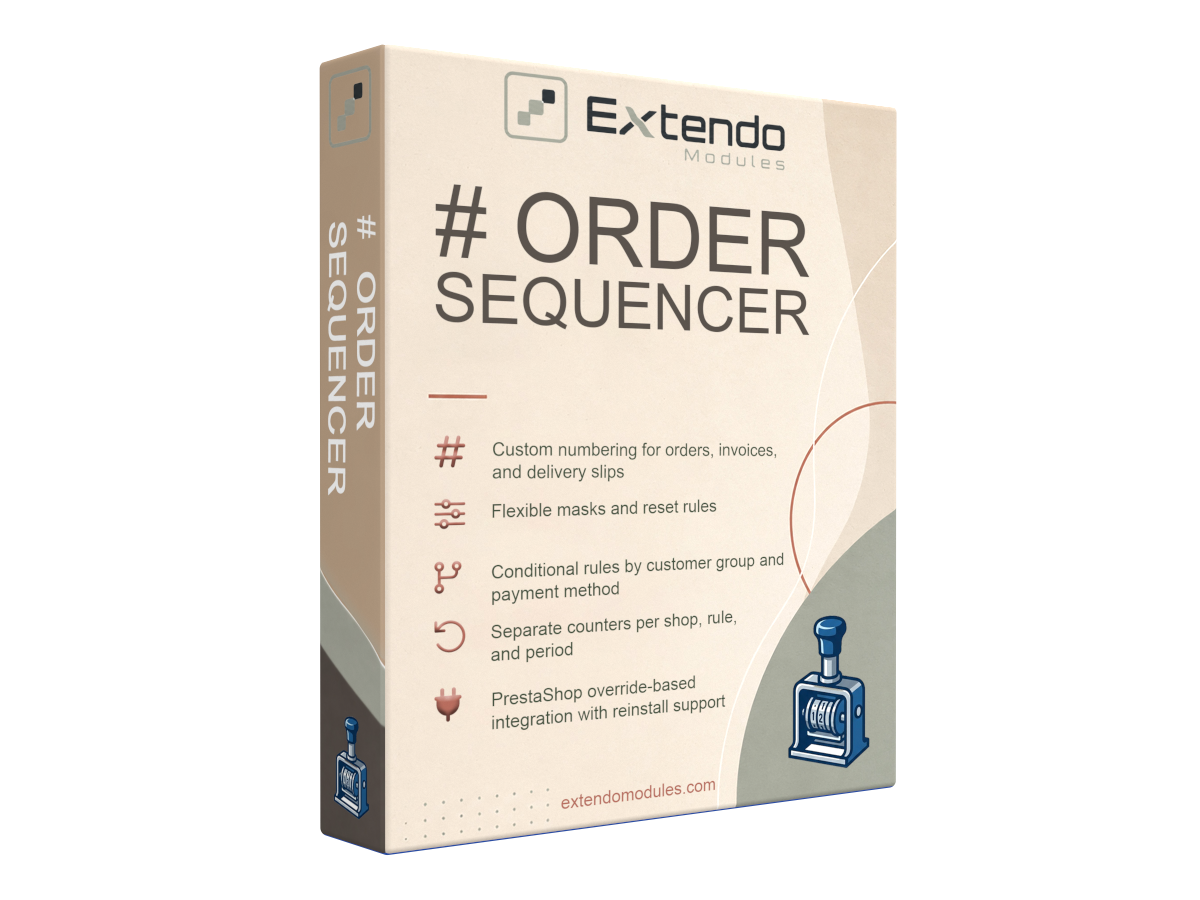
xtdordersequencer - Order sequencer module - PrestaShop module by Extendo Modules

Order sequencer module

xtdordersequencer
€0.00
Tax included

Customize PrestaShop order references, invoice numbers, and delivery slip numbers.

Use flexible masks, independent counters, reset periods, and conditional rules. Create clear, predictable document sequences for different shops, customer groups, and payment methods.

PrestaShop version support: 1.7.8.x 8.x 9.x
Translations: English French Spanish Portuguese Polish Italian Ukranian


Custom Order, Invoice, and Delivery Slip Numbering for PrestaShop

Extendo Order Sequencer gives you greater control over how PrestaShop generates order references, invoice numbers, and delivery slip numbers.

Replace difficult-to-read default references with structured formats that match your store workflow. Configure independent masks, counters, reset periods, and conditional numbering rules without manually editing each order or document.

The module is suitable for standard stores, multistore installations, B2B shops, and businesses that need different document sequences for particular customer groups or payment methods.

Use Extendo Order Sequencer to create consistent order references, invoice numbers, and delivery slip numbers that are easier to understand, search, and manage. Configure your sequences once and let the module generate the correct format automatically.

What You Can Customize

Order References

Generate readable order references using your preferred structure instead of relying only on the default random PrestaShop reference format.

Invoice Numbers

Create a dedicated invoice numbering format with its own mask, counter, and reset schedule.

Delivery Slip Numbers

Keep delivery slip numbering separate from orders and invoices while maintaining a consistent document structure.

Main Features

Independent Numbering for Each Document Type

Orders, invoices, and delivery slips can use completely separate numbering configurations. Each sequence can have its own:

  • number format;
  • counter;
  • starting value;
  • reset period;
  • conditional rules.

This prevents unrelated documents from sharing the same sequence and makes records easier to identify in the PrestaShop back office.

Flexible Number Masks

Build custom number formats using masks and dynamic placeholders. Depending on the selected sequence, a number can include information such as:

  • an automatically incremented counter;
  • the current date or date components;
  • shop identifiers;
  • customer identifiers;
  • fixed prefixes and separators.

For example, you can create formats similar to:

  • ORD-2026-000125
  • INV-2026-07-0048
  • SHOP2-000894
  • DEL-2026-00217

The exact result depends on the mask and placeholders configured in the module.

Separate and Predictable Counters

Maintain independent counters for different sequence types, shops, rules, and periods. This gives each configured numbering flow its own predictable progression.

For example, your main store and secondary store can use separate order sequences, while invoices and delivery slips continue with their own counters.

Monthly, Yearly, or Continuous Sequences

Choose how frequently each counter restarts:

  • Never: keep one continuously increasing sequence;
  • Yearly: begin a new counter each year;
  • Monthly: begin a new counter each month.

Reset periods can be combined with date placeholders to create numbers that remain clear across reporting periods.

Conditional Numbering Rules

Create additional numbering rules for specific store scenarios. A different format can be applied according to:

  • customer group;
  • payment method;
  • shop in a multistore installation;
  • sequence or document type.

This can be useful when wholesale customers, retail customers, or particular payment flows need distinct document references.

Multistore Numbering

Use shop-specific counters and formats in a PrestaShop multistore environment. Each shop can maintain a recognizable numbering pattern without mixing its sequence with another storefront.

Automatic Number Generation

Once configured, the module generates references and document numbers automatically during the normal order and document creation process. Store administrators do not need to rename individual orders, invoices, or delivery slips manually.

PrestaShop Integration and Override Maintenance

The module integrates with PrestaShop order reference generation through an override. A dedicated reinstall action is available to restore the integration when maintenance is required after updates or file changes.

Common Use Cases

  • Create readable order references for customer communication and support.
  • Add year or month information to invoice and delivery slip numbers.
  • Maintain separate sequences for multiple PrestaShop shops.
  • Use a dedicated numbering format for wholesale customer groups.
  • Assign different sequences to selected payment methods.
  • Separate internal order references from accounting document numbers.
  • Replace manual numbering workarounds with automated rules.

How the Module Works

  1. Enable custom numbering for the required document type.
  2. Define the number mask and counter settings.
  3. Select a continuous, yearly, or monthly reset period.
  4. Add conditional rules when different numbering formats are required.
  5. Save the configuration.

The appropriate sequence is then selected automatically whenever PrestaShop creates an order reference, invoice number, or delivery slip number.

Benefits for Store Administration

  • Clearer records: recognize document types and periods directly from their numbers.
  • Faster searches: use predictable references when assisting customers or reviewing orders.
  • Better organization: separate sequences by shop, document type, customer group, or payment method.
  • Reduced manual work: generate formatted numbers automatically.
  • Consistent structure: apply the same numbering logic to every matching order or document.

Who Is This Module For?

Extendo Order Sequencer is designed for PrestaShop merchants who:

  • want readable and structured order references;
  • need more control over invoice or delivery slip numbering;
  • operate several stores through PrestaShop multistore;
  • serve both retail and wholesale customers;
  • use different payment processes that require distinct sequences;
  • want document numbering to follow an internal administrative format.

Important: Invoice numbering requirements vary by country and accounting system. Before changing an active invoice sequence, confirm that the selected format, reset period, and counter settings comply with your local accounting and tax requirements. Test the configuration before using it in production.

Downloading, registering and using a module

Translations
English
French
Italian
Polish
Portuguese
Spanish
Ukranian
PrestaShop version support
1.7.8.x
8.x
9.x

Current version: 1.0.1


Version 1.0.1

- Added clearer Back Office usage guidance for masks, counter reset behavior, conditional rules, and override maintenance.

- Added full module translation files for French, Spanish, Portuguese, Italian, Polish, and Ukrainian.

- Added explicit Order override status messaging with a reinstall action for the module-owned override.

- Added usage examples for conditional rules in the module configuration help text.

- Uses PrestaShop override installation to merge with a different existing Order override, while still avoiding direct file replacement.

- Added AdminModules token validation for configuration and override installation actions.
Customers who bought this product also bought:

Product added to wishlist